Watch on YouTube.
Most “optimization” advice is either outdated or just extra noise. I broke down exactly what to focus on and what to ignore so you don’t waste your time.
Learn what is working and what is waste of your time and server resources in WordPress speed optimization. Applying basic optimization will be enough to get high PageSpeed score.
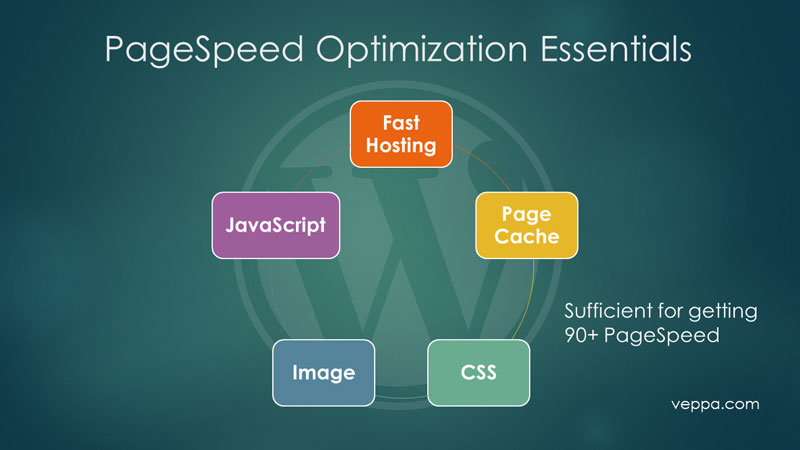
Main areas to optimize a WordPress website for PageSpeed.

Caching: Stop overthinking it. Browser and Page caching are the only ones you really need starting out.

CSS: Don’t merge your files — it’s old tech. Just inline what’s necessary and load fonts asynchronously.

Images: Standard compression and “Lazy Loading” do 95% of the work. No need to stress over WebP versions.

JavaScript: This is the big one. “Lazy load your scripts” (like Analytics and Ads) so they don’t block the page from loading.

Hosting: If your page takes more than 1 second to generate, no plugin can save you — it’s time to switch hosts. Aim for 0.1 second page generation time inside WordPress admin area.
—
What is next:
- Get PDF checklist mentioned in video.
- Page Cache & JavaScript Lazy loading tutorial.
- Inline multiple CSS & Image compression tutorial.
- See how preloading page assets can harm your PageSpeed.